
Unity-3D-Platform-Game-Project
Unity 3D Platform Game
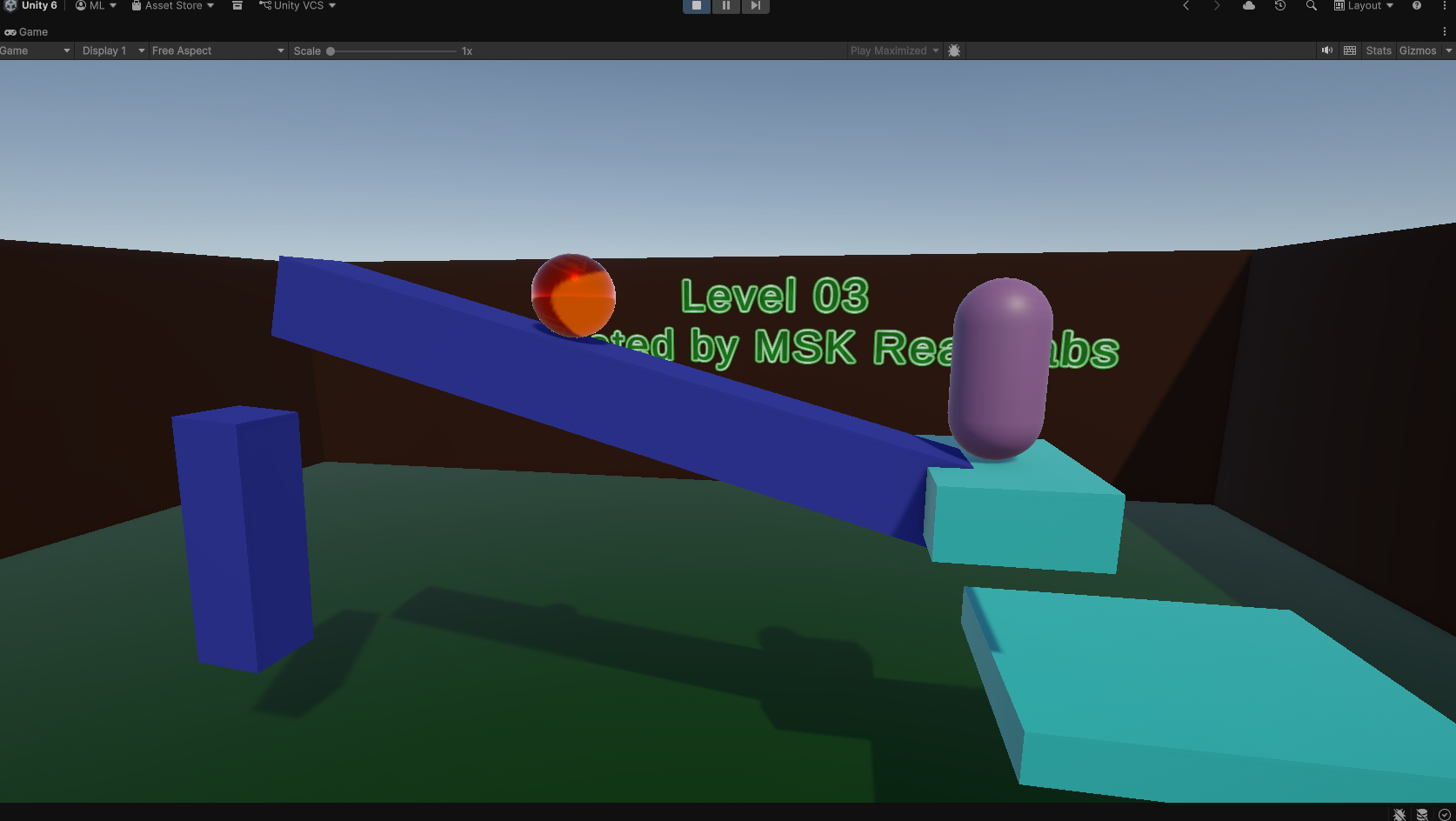
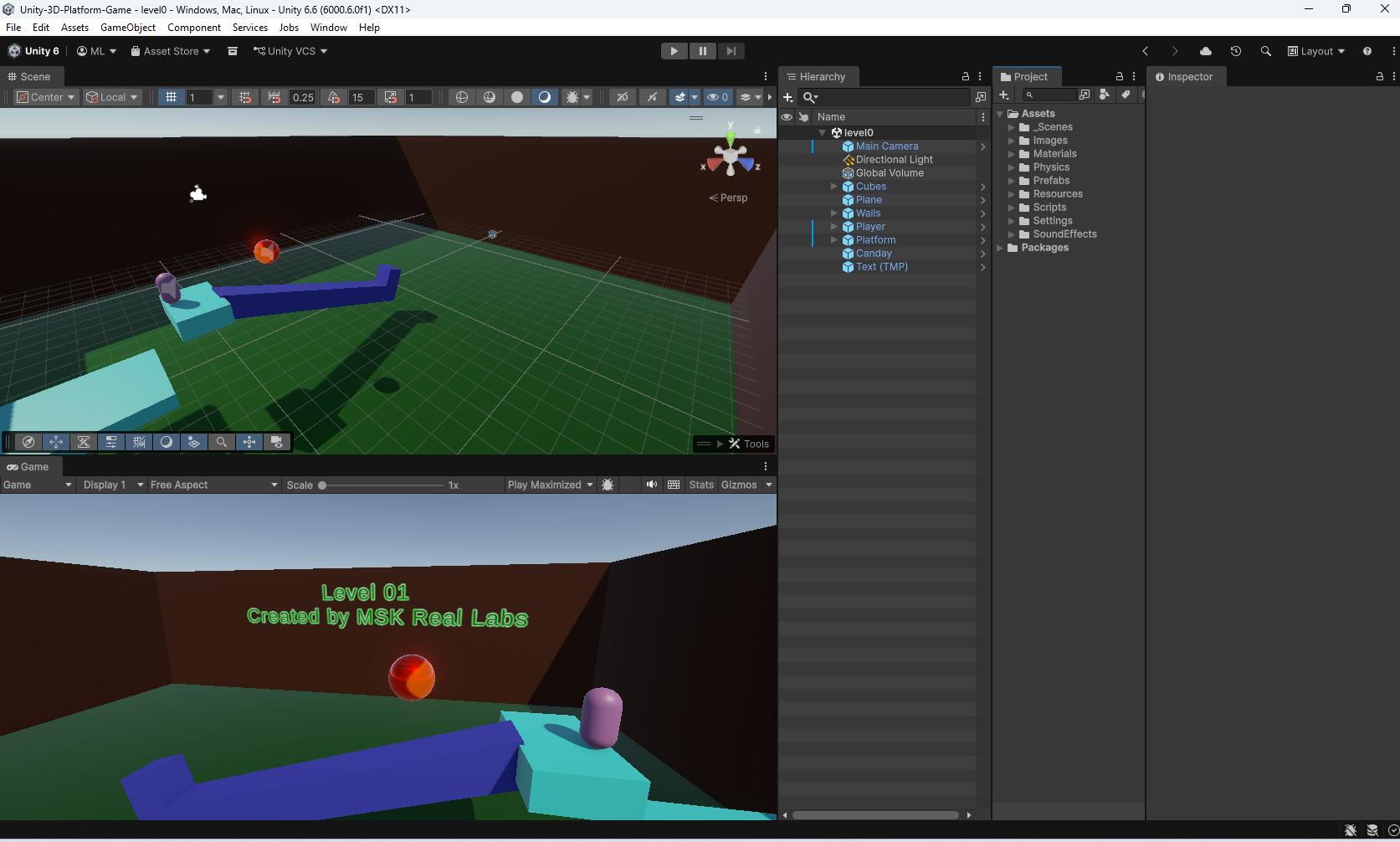
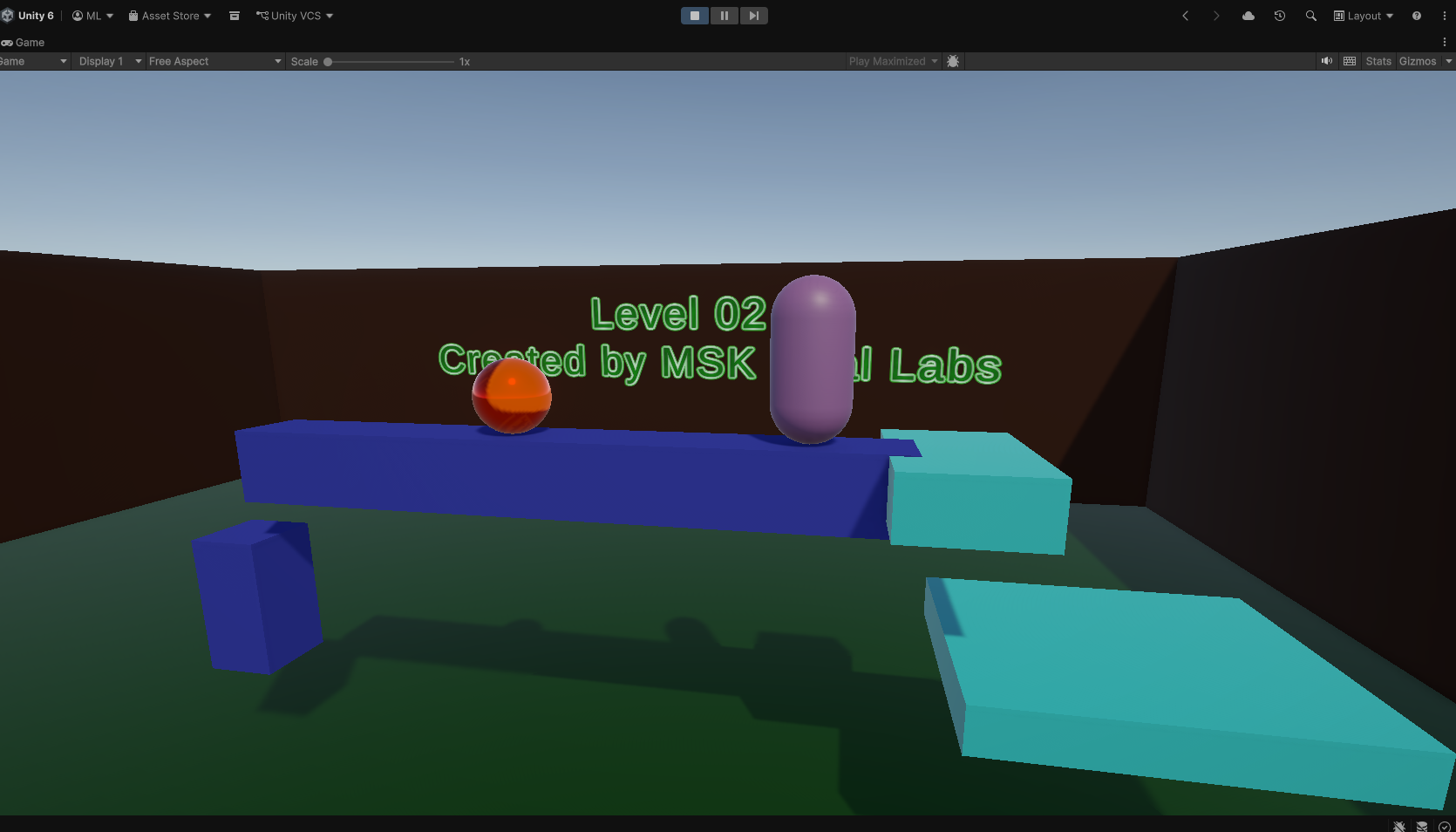
Unity 3D Platform Game is a beginner-friendly 3D Unity project created to learn the fundamentals of game development.
The project focuses on understanding how Unity scenes, GameObjects, components, physics, collisions, cameras, player movement, and C# scripts work together to create an interactive 3D game.
Features
- 3D environment
- Player movement
- Camera system
- Basic physics
- Collision detection
- Interactive GameObjects
- C# scripting
- Unity-based gameplay
Controls
- W / A / S / D — Move
- Mouse — Look around
- Space — Jump
- ESC — Release mouse cursor
Project Information
Engine: Unity Platform: Windows Type: 3D Learning Project Language: C#
This project represents one of my practical Unity learning projects and demonstrates my progress in learning Unity and C# game development.
Download
Install instructions
Installation
Windows
- Download the Unity 3D Platform GameZIP file.
- Extract the downloaded ZIP file.
- Open the extracted folder.
- Find the game's
.exefile. - Double-click the
.exefile to start the game. - Enjoy the game.
Important
Keep the .exe file and its associated Game_Data folder together in the same directory.
The game may not start correctly if the Game_Data folder is moved, renamed, or deleted.
Requirements
- Windows 10 or Windows 11
- Keyboard and mouse
- DirectX 11 compatible GPU
- At least 4 GB RAM
- Approximately 500 MB of free storage
Leave a comment
Log in with itch.io to leave a comment.