
Unity-2D-Shooter-Game
Unity 2D Shooter Game
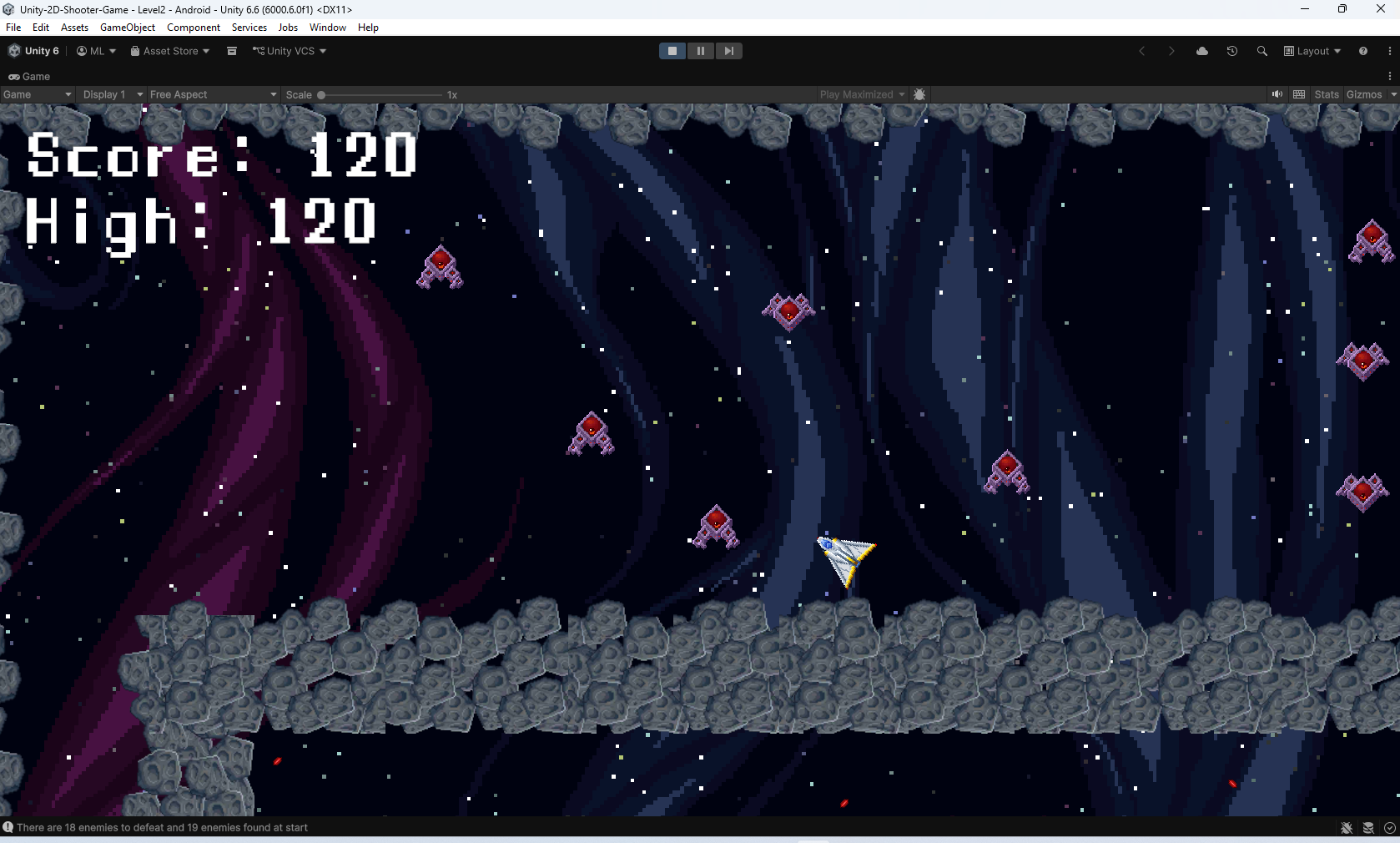
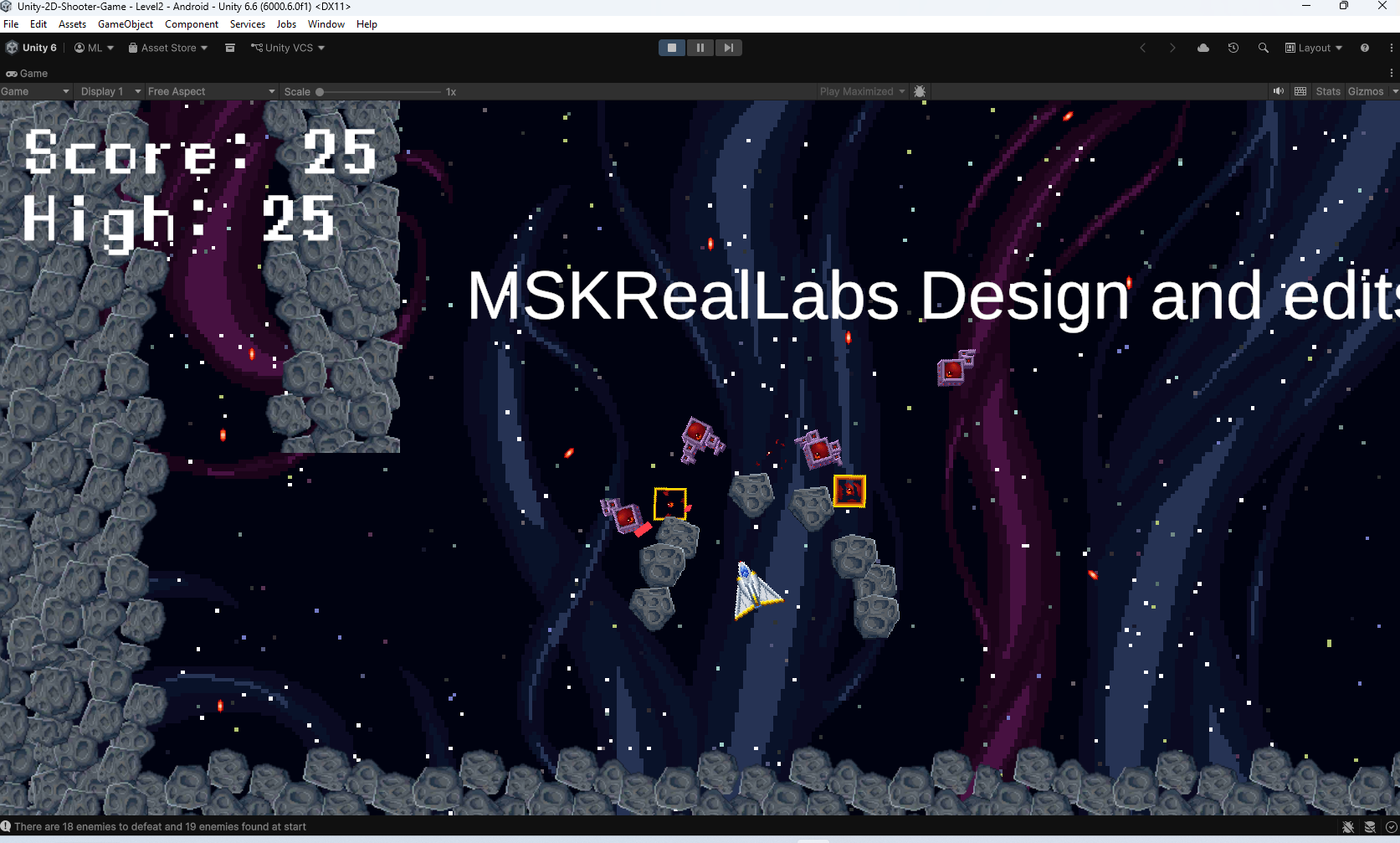
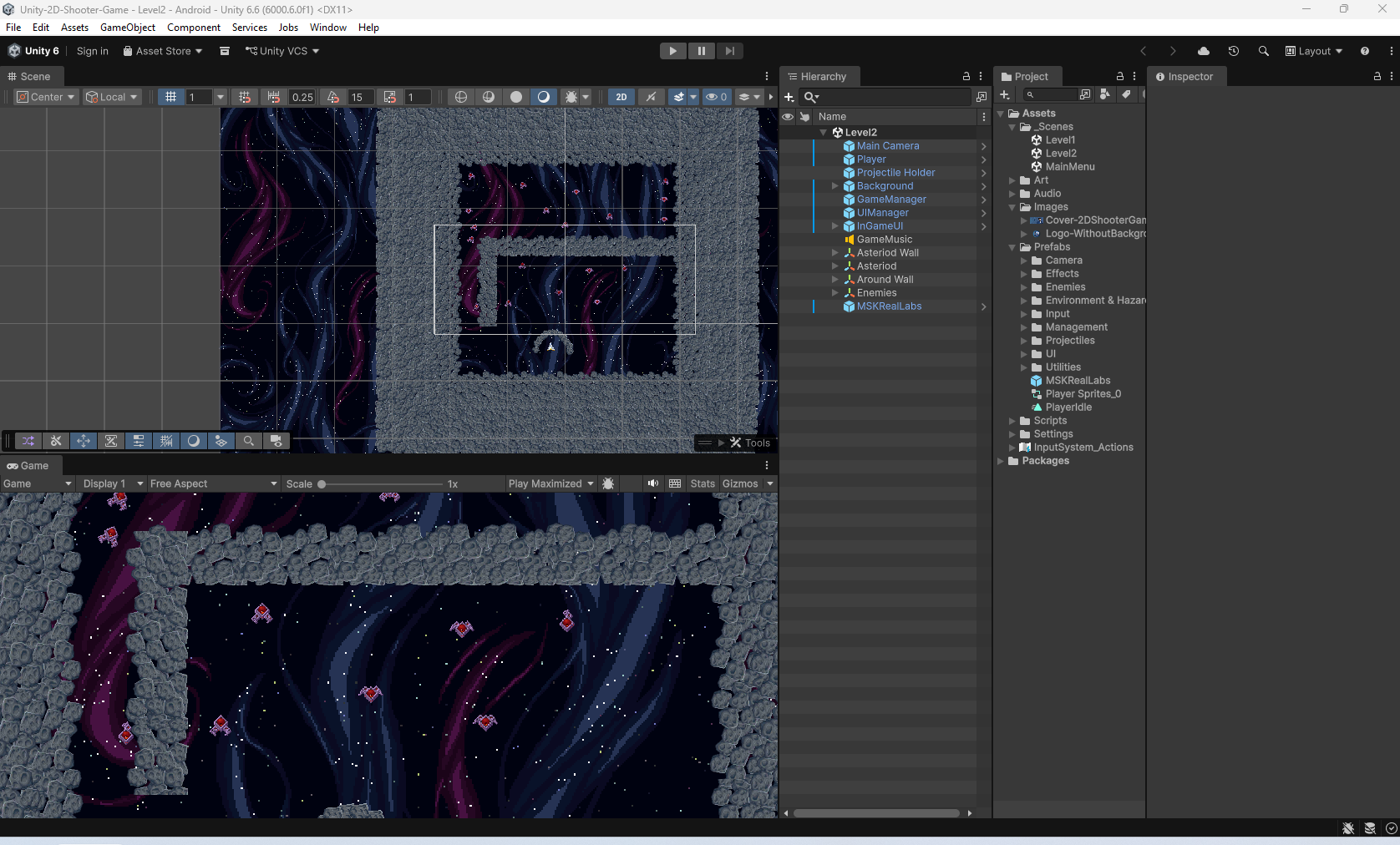
Unity 2D Shooter Game is a 2D action game developed with Unity.
The project was created to practice fundamental 2D game development concepts, including player movement, shooting, projectiles, collision detection, enemies, and gameplay logic using C#.
Features
- 2D player movement
- Shooting mechanics
- Projectile system
- Enemy interactions
- Collision detection
- 2D gameplay environment
- C# scripting
- Built with Unity
Controls
- A / D — Move left and right
- W / Space — Jump
- Left Mouse Button — Shoot
- ESC — Release mouse cursor
Project Information
Engine: Unity Platform: Windows Type: 2D Shooter / Action Language: C#
This project was created as a practical Unity learning project to develop and experiment with 2D gameplay mechanics.
Download
Install instructions
Installation
Windows
- Download the Unity 2D Shooter Game ZIP file.
- Extract the ZIP file.
- Open the extracted game folder.
- Find the game's
.exefile. - Double-click the
.exefile. - The game will launch.
Important
Keep the game's .exe file and its Game_Data folder in the same directory.
Do not delete, rename, or move the Game_Data folder separately from the executable.
Requirements
- Windows 10 or Windows 11
- Keyboard and mouse
- DirectX 11 compatible GPU
- At least 4 GB RAM
- Approximately 500 MB of free storage
Leave a comment
Log in with itch.io to leave a comment.